|
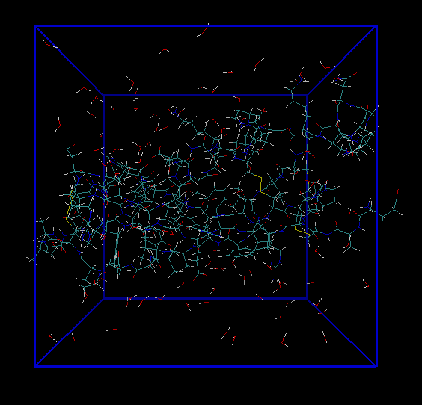
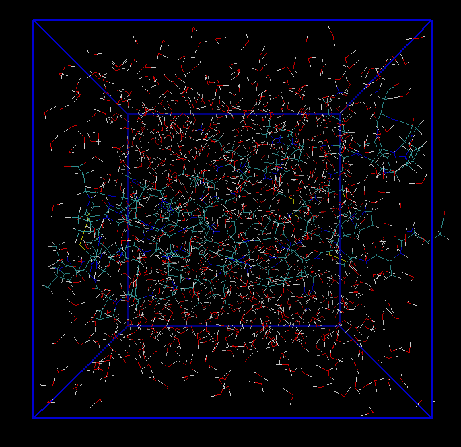
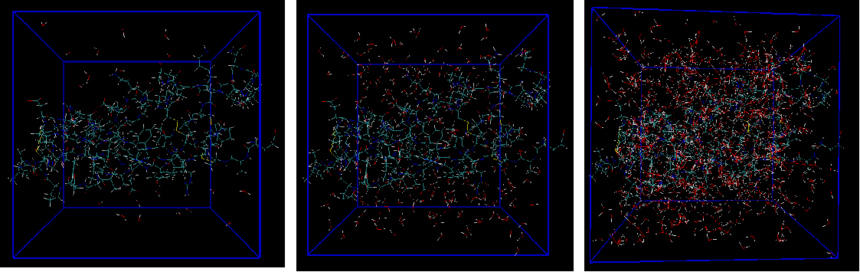
gmx insert-moleculesgmx editconf -f 2m05.pdb -box 3 3 3 -o box.gro gmx insert-molecules -f box.gro -ci h2o.gro -nmol 100 -o box1.gro gmx insert-molecules -f box.gro -ci h2o.gro -nmol 2000 -o box2.gro
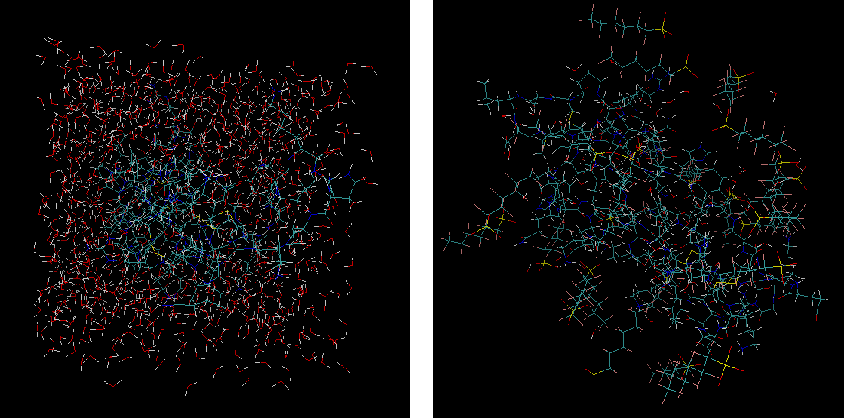
分子太多了,空间不够插入不了这么多,所以使用这个命令的时候一定要注意是否插入满
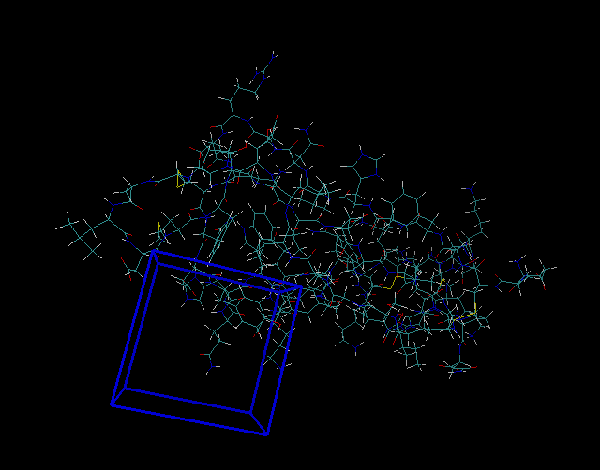
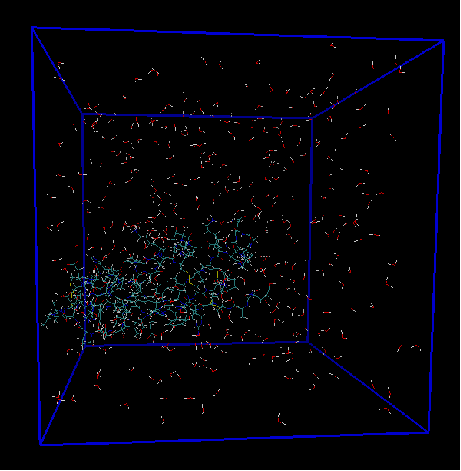
gmx insert-molecules -f box.gro -ci h2o.gro -nmol 400 -o box3.gro -box 1 1 1 gmx insert-molecules -f box.gro -ci h2o.gro -nmol 400 -o box4.gro -box 5 5 5 -box会重新修改盒子尺寸大小,所以在使用的注意没盒子的时候进行添加盒子,有就别用了
gmx insert-molecules -f box.gro -ci h2o.gro -nmol 1000 -o box5.gro -scale 2 gmx insert-molecules -f box.gro -ci h2o.gro -nmol 1000 -o box6.gro -scale 1 gmx insert-molecules -f box.gro -ci h2o.gro -nmol 1000 -o box7.gro -scale 0.2 -scale默认值0.57,变大变小会对插入的物质进行发生变化,如果输入0.2变小,本来只能插入900个水分子,那么水就会发生变形
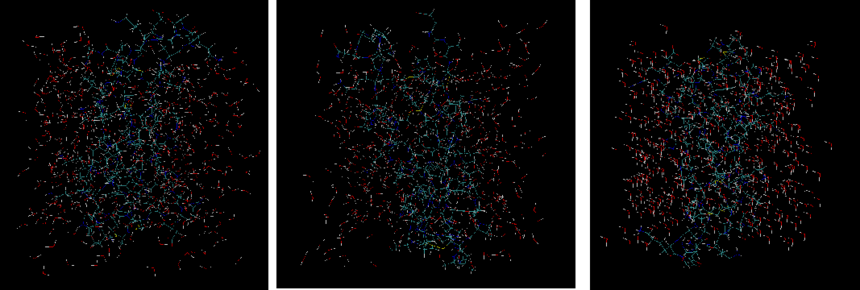
gmx insert-molecules -f box.gro -ci h2o.gro -nmol 500 -o box8.gro -rot xyz gmx insert-molecules -f box.gro -ci h2o.gro -nmol 500 -o box9.gro -rot z gmx insert-molecules -f box.gro -ci h2o.gro -nmol 500 -o box10.gro -rot none -rot随机旋转插入分子, 可用选项: xyz, z或none,明显可以看到选择none,不选择旋转插入分子,插入的h2o显示一个方向,选择z的会有大部分朝向。
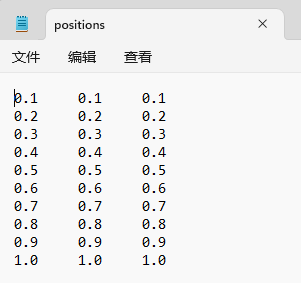
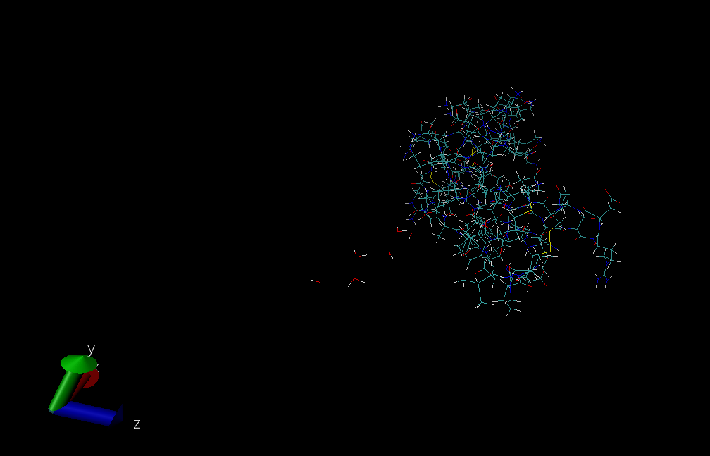
gmx insert-molecules -f box.gro -ci h2o.gro -nmol 10 -o box11.gro -ip positions.dat -ip 添加.dat文件,这个文件共3列,表示xyz的坐标,告诉插入分子按照这个来,如果遇到没有空间,那么就不能插入 写.dat可以用notepad++来写,下图就只插入8个h2o分子,因为没有空间,所以有2个没法插入
gmx insert-molecules -f box.gro -ci h2o.gro -nmol 10 -o box12.gro -ip positions.dat -dr 10 10 10 -dr 相对-ip文件中的位置, 在x/y/z方向允许的最大偏离位移,加的太大就会超出盒子10表示是10nm
gmx insert-molecules -f box.gro -ci h2o.gro -nmol 2000 -o box13.gro gmx insert-molecules -f box13.gro -ci .\pfha.pdb -nmol 100 -o box14.gro -replace "resname h2o" -selrpos mol_com 该方法就是将溶剂分子再一次被替换掉,其中-selrpos mol_com该选择影响很多时候不大,我也不知道何时用
上一篇gmx make_ndx下一篇gmx hbond |